Short answer: Pick Nano Banana 2.1 if you make a lot of images, need up to 10 reference images, or want very tall or very wide frames like 1:8 or 8:1. Pick Nano Banana Pro if your project is built around it and 8 references and the standard ratios are enough. On AgentReel, a 1K image costs 5 credits with Nano Banana Pro and 1 credit with Nano Banana 2.1 (prices as of 2026-10-23, see pricing).
We built this comparison from two kinds of sources. For what each model can do through the API, we read Kie's API reference and Kie's model pages. For what you can actually set on AgentReel, we used AgentReel's own model settings and credit prices. We ran no benchmarks and quote no scores. Where the API supports something AgentReel does not list, we say so.
Nano Banana Pro vs Nano Banana 2.1 at a glance
| Nano Banana Pro | Nano Banana 2.1 | |
|---|---|---|
| Vendor | ||
| Kie model id | nano-banana-pro | nano-banana-2-1 |
| Reference images on AgentReel | 0 to 8 | 0 to 10 |
| Prompt limit on AgentReel | 20,000 characters | 20,000 characters |
| Resolutions on AgentReel | 1K, 2K, 4K | 1K, 2K, 4K |
| Aspect ratios on AgentReel | 11 options, auto to 21:9 | 15 options, adds 1:4, 4:1, 1:8, 8:1 |
| Credits per image (1K / 2K / 4K) | 5 / 5 / 6 | 1 / 2 / 3 |
Both models share the same base set of ratios on AgentReel: auto, 1:1, 2:3, 3:2, 3:4, 4:3, 4:5, 5:4, 9:16, 16:9 and 21:9. Nano Banana 2.1 adds four extreme shapes on top.
Nano Banana Pro
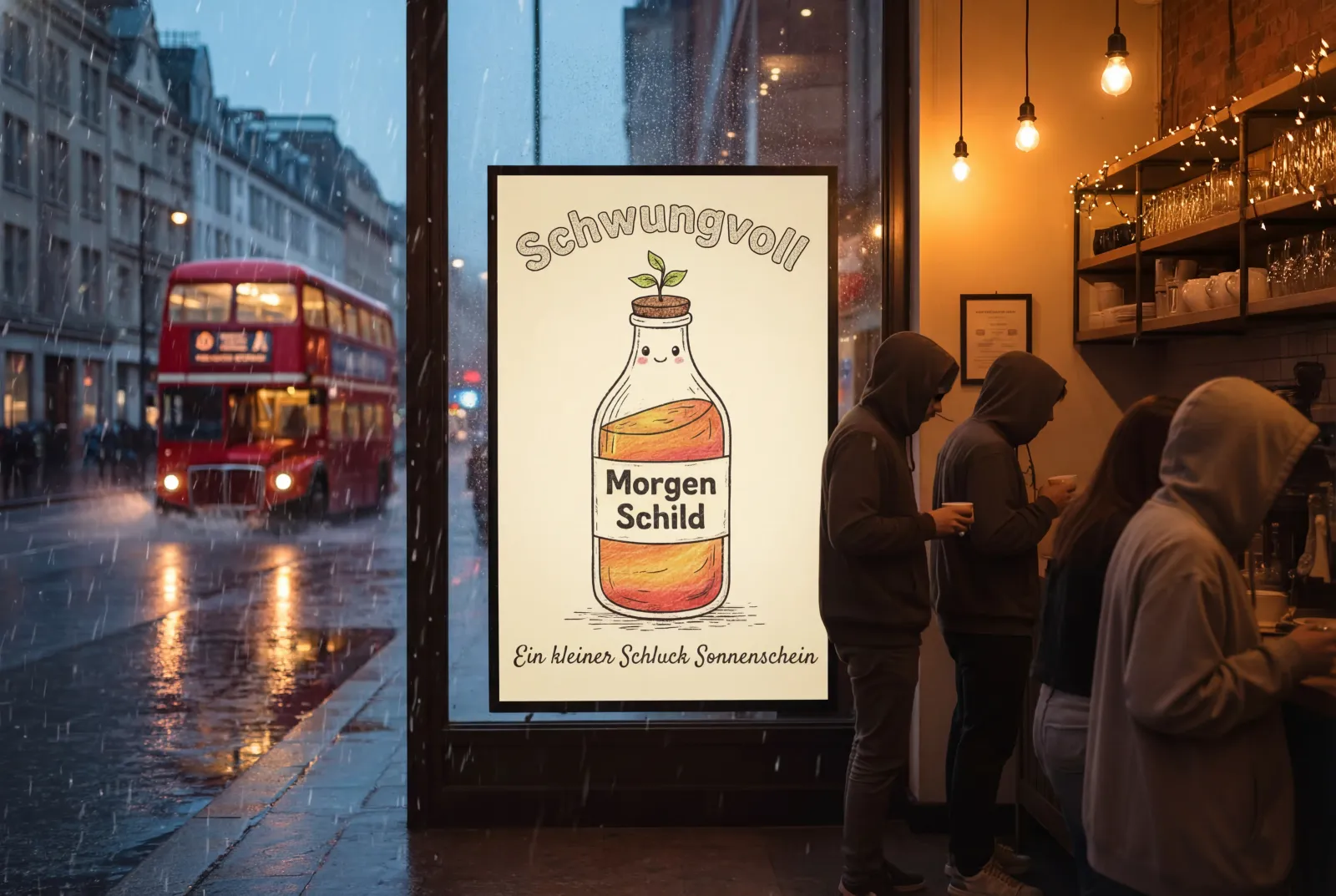 Example output from Kie's Nano Banana Pro page.
Text, layout and editing
Kie's page says the model runs on Gemini 3.0 Pro and offers "native 2K output, intelligent 4K scaling, improved text rendering, and stable image editing." It also points the model at posters, diagrams, UI concepts and labels. These are the vendor's claims. We did not test them.
Up to 8 references
On Kie, the image_input field takes JPEG, PNG or WEBP files up to 30MB each, with a maximum of 8 files. AgentReel matches that ceiling and lets you attach 0 to 8 reference images. With zero references, you get plain text-to-image. With one or more, you can edit a photo or mix subjects and styles.
What the API has that AgentReel does not list
The Kie API reference shows a request with prompt, image_input, aspect_ratio, resolution and output_format fields, plus a callBackUrl for job notifications. On AgentReel, the only model option is resolution (1K, 2K or 4K), next to the prompt, the references and the aspect ratio. Output format is an API field that AgentReel does not list as a setting.
Nano Banana 2.1
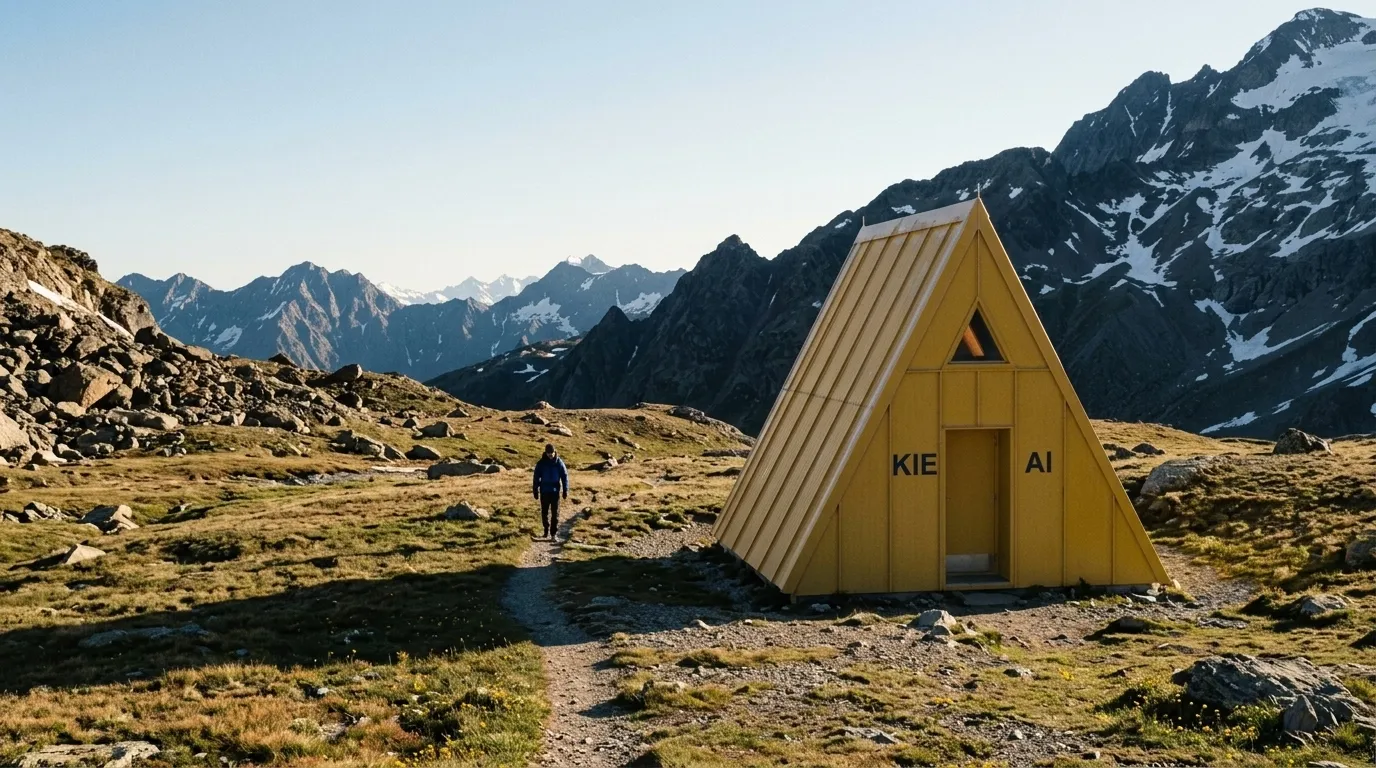 Example output from Kie's Nano Banana 2.1 page.
More references and more shapes
On Kie, Nano Banana 2.1 accepts up to 10 input images in JPEG, PNG or WEBP. AgentReel exposes the full range, 0 to 10 reference images. That gives you two more slots than Pro for products, faces or style frames. AgentReel also lists 1:4, 4:1, 1:8 and 8:1 for this model only. Those fit long banners, vertical strips and panoramas.
Editing and character consistency
Kie's page says the model "improves mask and ink-based editing, allowing users to mark areas and guide targeted changes." It also claims better multi-turn character consistency and text rendering. Note that a mask tool is not among the options AgentReel lists for this model. On AgentReel you guide edits with the prompt and reference images.
A newer model
Kie's blog reports that Google released Nano Banana 2.1 in Google AI Studio on October 6, 2026. Kie's model page calls it Google's recommended replacement for Nano Banana 2. So it is a few weeks old as of this post.
Price: credits per image on AgentReel
All prices are AgentReel credits as of 2026-10-23. Every tool shows its credit price before a job starts, and a failed job refunds its credits automatically. See pricing for plans and credit packs.
| Resolution | Nano Banana Pro | Nano Banana 2.1 | Images per 200 credits (Pro / 2.1) |
|---|---|---|---|
| 1K | 5 credits | 1 credit | 40 / 200 |
| 2K | 5 credits | 2 credits | 40 / 100 |
| 4K | 6 credits | 3 credits | 33 / 66 |
Nano Banana 2.1 costs half or less of Pro at every resolution. The gap is widest at 1K, where it costs one fifth as much. With Pro, 2K costs the same as 1K, so if you use Pro, there is no credit reason to pick 1K over 2K.
For scale, the Starter plan is $15.99 a month for 200 credits. That covers 40 Pro images at 1K, or 200 Nano Banana 2.1 images at 1K.
Which one should you choose?
- High volume drafts and social posts: Nano Banana 2.1. At 1 credit per 1K image, you can test many prompt variants.
- Many references in one image: Nano Banana 2.1, with up to 10 on AgentReel versus 8 for Pro.
- Banners, strips and panoramas: Nano Banana 2.1, the only one of the two with 1:4, 4:1, 1:8 and 8:1.
- 4K output on a budget: Nano Banana 2.1 at 3 credits, versus 6 for Pro.
- A workflow already tuned for Pro: Nano Banana Pro. If your prompts and look were built on it, staying put avoids rework.
- Standard ratios like 9:16, 4:5 or 16:9: either works. Both list them.
If you are weighing Pro against an OpenAI model too, read Nano Banana Pro vs GPT Image 2. For other image models, see Seedream 5.0 Pro vs Flux 2 Pro. When your images are ready, the TikTok carousel tool turns them into a photo post.
FAQ
Which model is cheaper on AgentReel?
Nano Banana 2.1 is cheaper at every resolution. It costs 1, 2 or 3 credits for 1K, 2K or 4K, while Pro costs 5, 5 or 6. Prices are as of 2026-10-23.
Can I use both models without buying credits?
No. Models other than Z-Image need a credit purchase. Credit plans and packs are listed on the pricing page.
How many reference images can I upload?
On AgentReel, Nano Banana Pro takes 0 to 8 reference images and Nano Banana 2.1 takes 0 to 10. These match the file limits listed on Kie's model pages. With no reference, both run as text-to-image.
Do both models support 4K?
Yes. Both list 1K, 2K and 4K as resolution options on AgentReel. A 4K image costs 6 credits with Pro and 3 credits with Nano Banana 2.1.
Can I use mask editing for Nano Banana 2.1 on AgentReel?
Kie's page describes mask and ink-based editing for Nano Banana 2.1. AgentReel does not list a mask option for this model. You edit by describing the change in the prompt and adding reference images.
What happens if a render fails?
A failed job refunds its credits automatically. You also see the credit price before a job starts, so you know the cost before you render.
How we compared
We compared the two models on 2026-10-23 using these sources:
- Kie API reference: Google - Nano Banana Pro for the nano-banana-pro request fields.
- Kie API reference: Google - Nano Banana 2.1 for the nano-banana-2-1 request fields.
- Kie's Nano Banana Pro page for input file limits and vendor feature claims.
- Kie's Nano Banana 2.1 page for input file limits and vendor feature claims.
- Kie's blog post on Nano Banana 2.1 for the release date.
- AgentReel's model settings and pricing page for reference limits, aspect ratios, resolutions and credit prices.
We ran no benchmarks and report no quality scores.