Short answer: Pick AgentReel if you want many AI image and video models in one prompt box, plus tools that build TikTok carousels, video ads and B-roll edits for you. Pick Canva if you design by hand from templates, need brand kits and team approvals, or want social scheduling in the same editor. On monthly billing, AgentReel Starter is $15.99 for 200 credits, and Canva Pro is US$18 a month.
We built this comparison from AgentReel's own product facts and from Canva's public pages, read on 2026-10-26. For Canva, we used its pricing guide, its Help Centre and its newsroom. Where Canva's pages did not cover a detail, we used recent third-party reviews and linked each one. We did not run test renders, and we do not quote benchmark scores or rankings.
AgentReel vs Canva at a glance
| AgentReel | Canva | |
|---|---|---|
| What it is | Browser-based AI studio for short-form visual content | Design platform with templates, an editor and built-in AI tools |
| AI image generation | 20 image models, including Nano Banana Pro, GPT Image 2.5, Seedream 5.0 Pro and Flux 2 Pro | Dream Lab, now with Canva's own Craft model |
| AI video generation | 20 video models, including Veo 3.1, Kling 3.0, Seedance 2.5 and Wan 3.0 | Create a Video Clip, built on Google's Veo 3 |
| Social carousels | Dedicated TikTok carousel tool | Templates and editor; we found no dedicated carousel tool in our sources |
| Finished-post tools | Video ads, B-roll cuts, lyric videos, video templates | Magic Resize, background remover and social scheduling on Pro |
| Usage model | Credits, with the price shown before each job | Monthly AI allowance by plan |
| Entry price (monthly) | Starter, $15.99 for 200 credits | Pro, US$18 month-to-month |
AgentReel
AgentReel puts one prompt box in front of many image and video models. It also adds tools that turn a prompt into a finished post.
Many models behind one prompt box
The AI image generator covers text-to-image and image editing with every image model. The list includes Nano Banana Pro, Nano Banana 2.1, GPT Image 2.5 Sunburst, GPT Image 2.5 Flare, Seedream 5.0 Pro, Flux 2 Pro, Flux Kontext, Ideogram V3, Qwen Image 3.0 Pro and Imagen 4. The AI video generator handles text-to-video and image-to-video with every video model. That list includes Veo 3.1, Seedance 2.5, Kling 3.0 Omni, Gemini Omni Video, Runway, MiniMax H3, Hailuo 2.3, PixVerse V6 and Vidu Q4. You can try the same idea on several models without leaving the page.
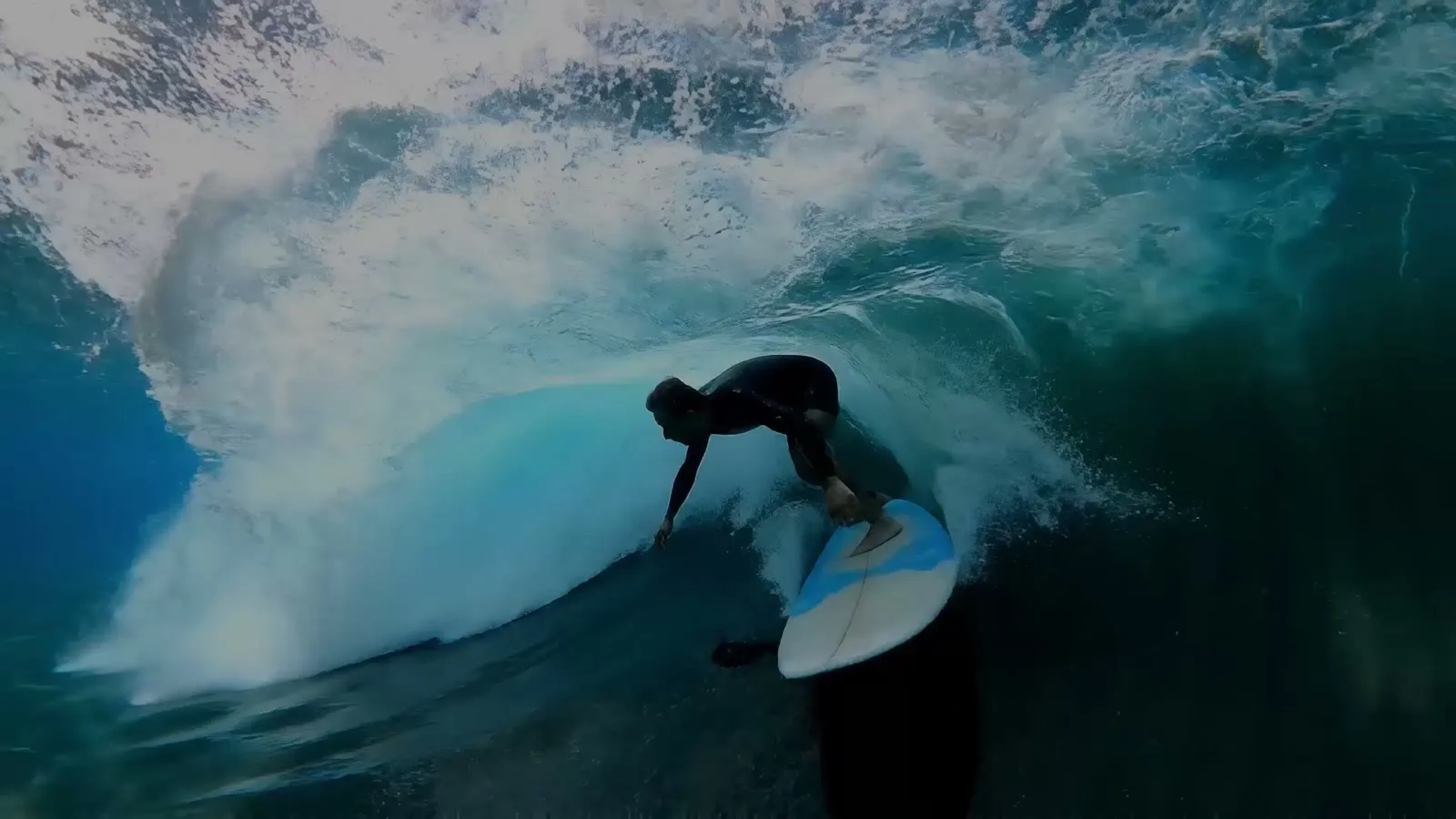
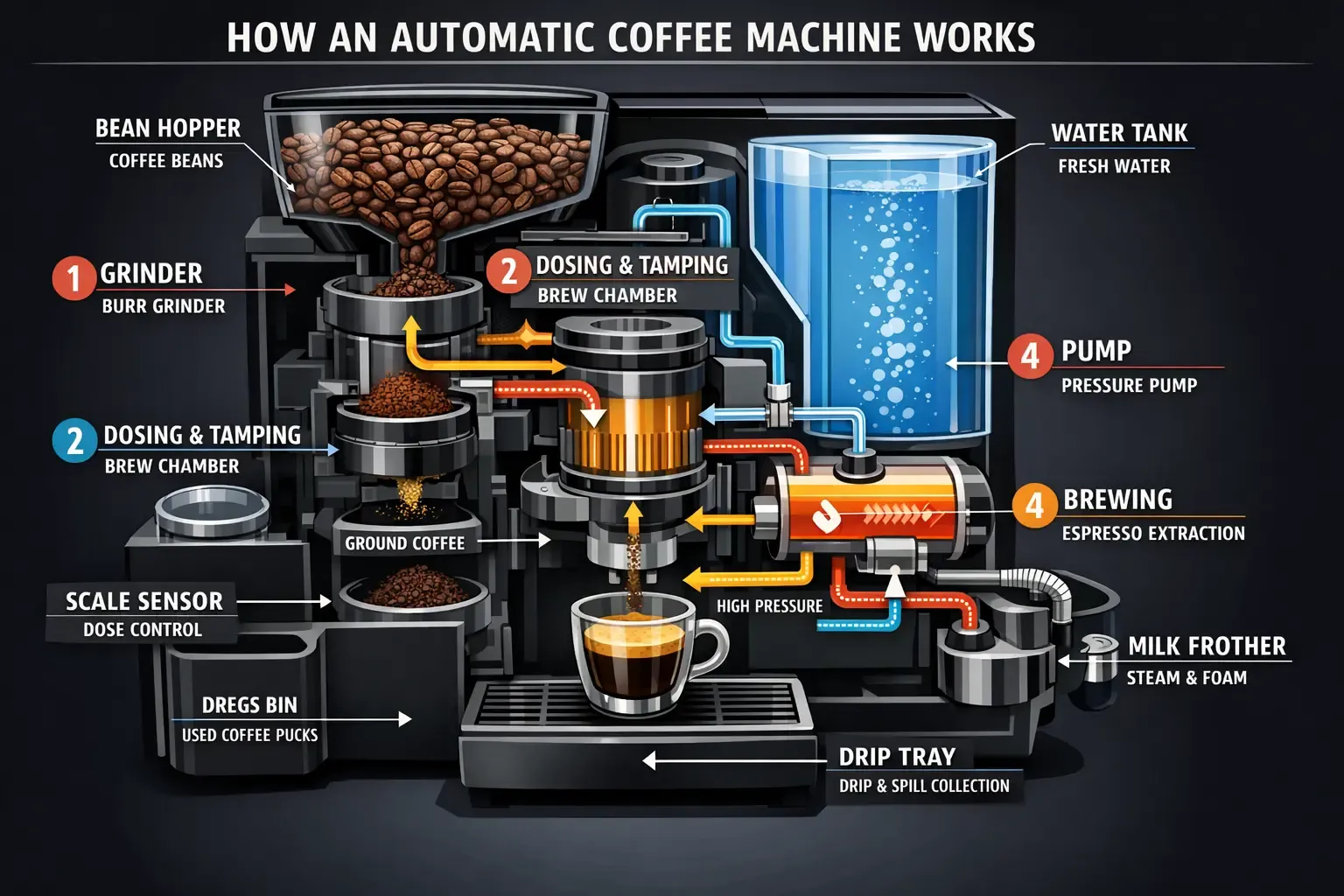
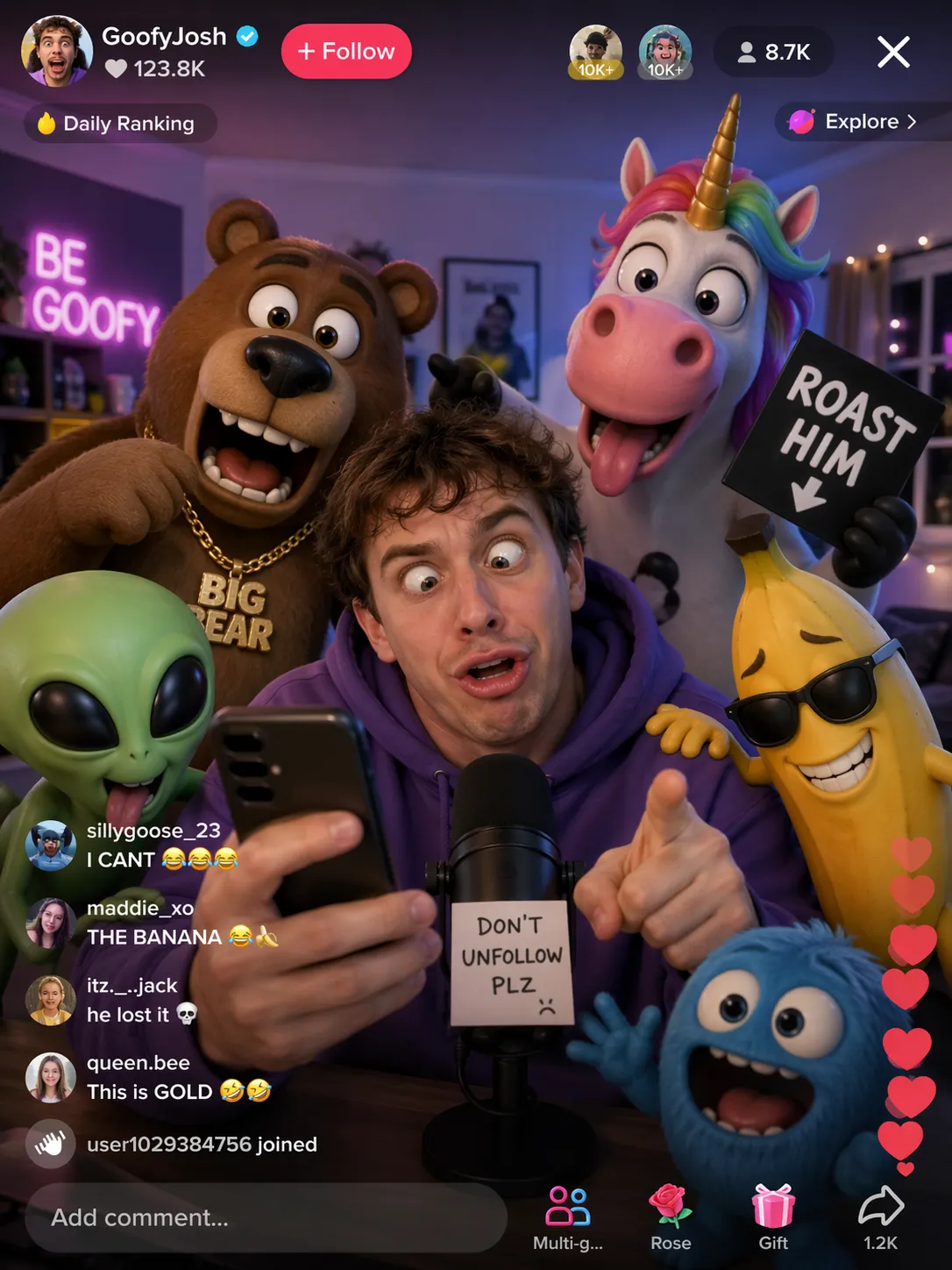
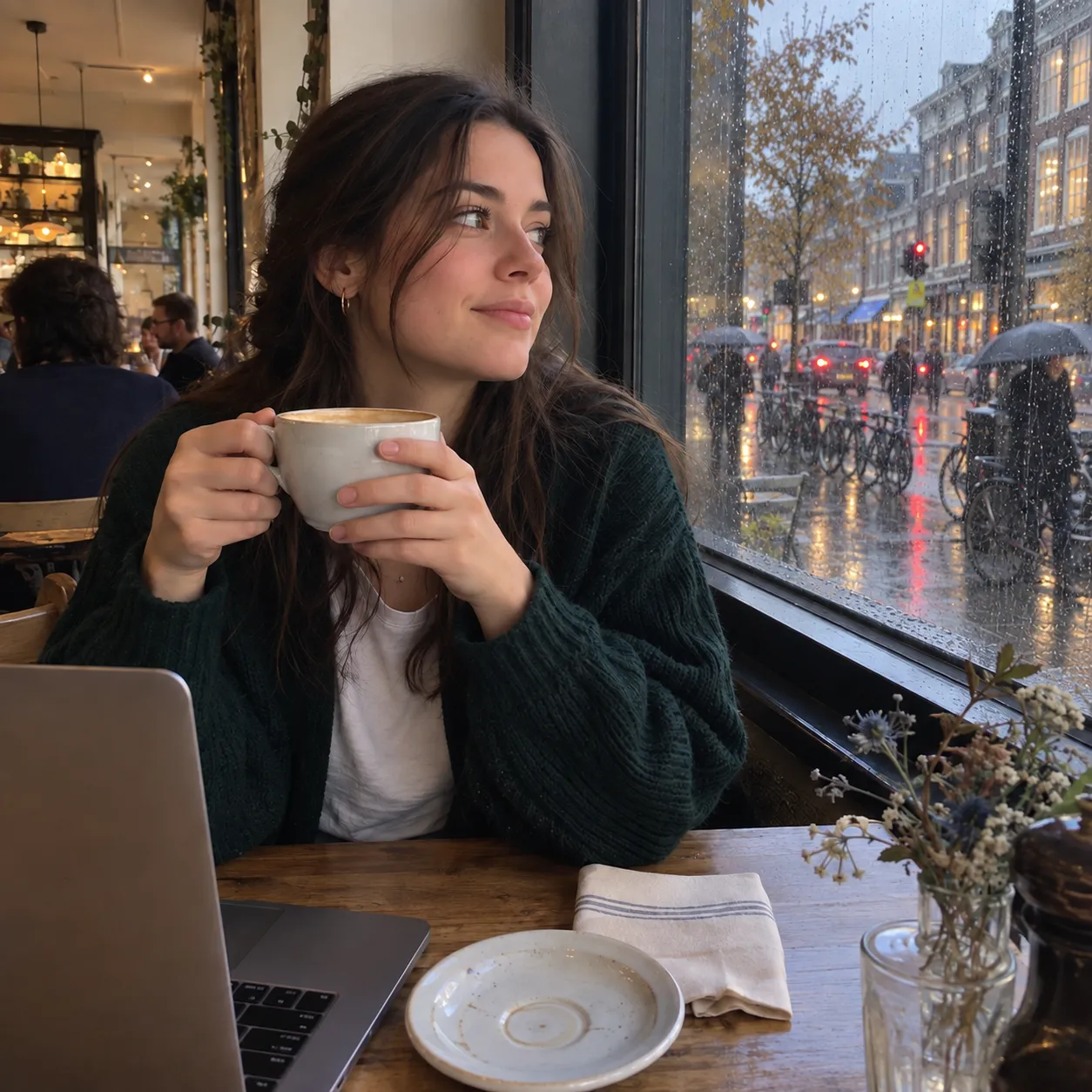
 Example output from Kie's GPT Image 2.5 page.
Tools that build finished posts
AgentReel goes past single clips. The TikTok carousel tool makes photo carousels. The AI video ad generator builds video ads with a script, voice-over, clips and captions. B-roll Cut cuts B-roll to a voice-over, and the lyric video maker turns a song into a lyric video. There are also ready-made video templates and a set of single-purpose image tools.
Clear credit prices
Every tool shows its credit price before a job starts. If a job fails, AgentReel refunds its credits automatically. You can buy a plan or a one-time credit pack.
Canva
Canva is a design platform first. Its AI tools sit inside the same editor where you lay out posts, slides and videos.
Templates, brand kits and team tools
Canva Pro includes 3.6M+ templates, 141M+ stock assets, 5 Brand Kits and 100GB of storage. The same review lists Magic Resize, Translate, Background Remover and social content scheduling on Pro. For teams, Canva Business adds brand controls, approval workflows and team collaboration on top of Pro. This is Canva's real strength: you can design, resize, approve and schedule in one place.
AI images with Dream Lab and Craft
Dream Lab makes four image options per prompt. You can add a reference image, ask for follow-up edits and use Boost resolution. On October 22, Canva announced Craft, its first image model. It is live in Dream Lab and the public API, makes images up to 2K, supports more than 30 aspect ratios and can render text in 55 languages.
AI video clips inside the editor
Canva's Create a Video Clip uses Google's Veo 3. At launch, it turned a text prompt into 8-second clips with sound, which you can refine in Canva's Video Editor. A recent review places AI video clips among Canva's Ultra AI tools. On Pro, Ultra tools share a cap of up to 20 uses a month.
AgentReel vs Canva price
Prices below were checked on 2026-10-26. AgentReel prices are in AgentReel credits; see AgentReel pricing. Canva prices are US prices from Canva's plan guide.
| Tier | AgentReel | Canva |
|---|---|---|
| Entry, monthly billing | Starter: $15.99, 200 credits | Pro: US$18 a month |
| Entry, yearly billing | Starter: $12.83 a month, 200 credits | Pro: US$12 a month (US$144 a year) |
| Middle, monthly billing | Pro: $49.99, 1,000 credits | Business: US$25 per person a month |
| Middle, yearly billing | Pro: $39.16 a month, 1,000 credits | Business: US$20.83 per person a month (US$250 a year) |
| Top tier | Ultra: $89.99 monthly or $71.66 a month yearly, 2,000 credits | Enterprise: custom pricing |
| One-time packs | 100 credits for $11.99 up to 10,000 credits for $399.99 | Not listed on the page we used |
The usage models differ. On AgentReel, each job shows its credit cost first. On Canva Pro, standard AI tools do not draw from the allowance. Premium and Ultra tools share a pool of up to 200 Premium uses or up to 20 Ultra uses a month. Business and Enterprise raise that to 400 Premium or 40 Ultra uses.
Which one should you choose?
- You want many AI models in one place: choose AgentReel. It offers 20 image models and 20 video models behind one prompt box.
- You post TikTok photo carousels often: choose AgentReel for its dedicated carousel tool.
- You make video ads or voice-over edits: choose AgentReel for the ad generator and B-roll Cut.
- You design by hand from templates: choose Canva for its template and stock library.
- You work in a team with brand rules: choose Canva Business for brand controls and approvals.
- You want to schedule posts from your design tool: choose Canva Pro, which includes social scheduling.
If you are still weighing video tools, read our AgentReel vs CapCut comparison. To pick an image model, see Nano Banana Pro vs GPT Image 2. For short clips, our Veo 3.1 vs Seedance 2.5 guide compares two models you can run on AgentReel.
FAQ
Is AgentReel or Canva better for TikTok carousels?
AgentReel has a dedicated TikTok carousel tool that builds photo carousels. Canva gives you templates and an editor to design each slide yourself. Pick AgentReel to generate carousels, and Canva to lay them out by hand.
Can Canva generate AI video?
Yes. Canva's Create a Video Clip uses Google's Veo 3 and made 8-second clips with sound at launch. On Pro, Ultra AI tools such as video clips are capped at up to 20 uses a month.
Does Canva have its own image model?
Yes. Canva announced Craft on October 22, and it is live in Dream Lab. It makes images up to 2K and supports more than 30 aspect ratios.
How do AgentReel credits work?
Every tool shows its credit price before a job starts. A failed job refunds its credits automatically. You can get credits through a Starter, Pro or Ultra plan or a one-time pack, listed on the pricing page.
Can I use AgentReel for free?
Models other than Z-Image need a credit purchase. Plans start with Starter at $15.99 a month for 200 credits. One-time packs start at $11.99 for 100 credits.
Which is better for teams?
Canva Business is built for teams, with brand controls, approval workflows and collaboration. It costs US$25 per person a month, or US$250 per person a year. AgentReel suits creators who want finished AI posts from many models.
How we compared
We checked every source below on 2026-10-26.
- AgentReel product facts and AgentReel pricing, from agentreel.co.
- Canva Enterprise vs Business vs Pro, Canva's plan and price guide.
- Understanding your AI usage, Canva Help Centre.
- Generate images with Dream Lab, Canva Help Centre.
- Google's Veo 3 comes to Canva, Canva newsroom.
- Canva Craft launches with 2K images, Search Engine Watch.
- Canva Pro in 2026: price, AI limits and what the trial leaves out, Grafista.
- Is Canva AI Free? Magic Studio Free vs Pro Limits, AI Worth It.
- Example image from Kie's GPT Image 2.5 page.