Short answer: Pick Veo 3.1 if you want the lowest price per clip and a choice of three quality tiers. Pick Gemini Omni Video if you need up to seven reference images, a very long prompt, or a set clip length from 4 to 10 seconds. At 1080p, Veo 3.1 Fast costs 17 credits per video. An 8-second Gemini Omni Video clip costs 27 credits on AgentReel (prices as of November 2, 2026, see pricing).
We built this comparison from two kinds of sources. First, we read the Kie API reference for each model on docs.kie.ai, since both models on AgentReel map to Kie model IDs. Second, we used AgentReel's own model settings and credit prices. The API often supports more than AgentReel shows in its prompt box, so we keep the two apart in every section. We did not run benchmarks, and we do not quote quality scores.
Veo 3.1 vs Gemini Omni Video at a glance
| Veo 3.1 | Gemini Omni Video | |
|---|---|---|
| Vendor | ||
| Reference images on AgentReel | 0 to 2 | 0 to 7 |
| Prompt limit on AgentReel | 5,000 characters | 20,000 characters |
| Aspect ratios on AgentReel | 16:9, 9:16 | 16:9, 9:16 |
| Resolutions on AgentReel | 720p, 1080p, 4K | 720p, 1080p, 4K |
| Variants on AgentReel | Lite, Fast, Quality | One |
| Duration choice on AgentReel | Not offered | 4, 6, 8 or 10 seconds |
| Lowest price on AgentReel | 8 credits (Lite, 720p) | 16 credits (4s, 720p or 1080p) |
| Highest price on AgentReel | 93 credits (Quality, 4K) | 53 credits (10s, 4K) |
| Extra inputs in the Kie API, not on AgentReel | Video extension, Auto aspect ratio, watermark | Source video, character IDs, audio IDs |
Veo 3.1
Veo 3.1 is Google's video model. Kie's reference lists three versions: Quality as the flagship, Fast as the cost-efficient one, and Lite as the cheapest for high-volume work. AgentReel offers all three as a "variant" setting, next to a resolution setting with 720p, 1080p and 4K.
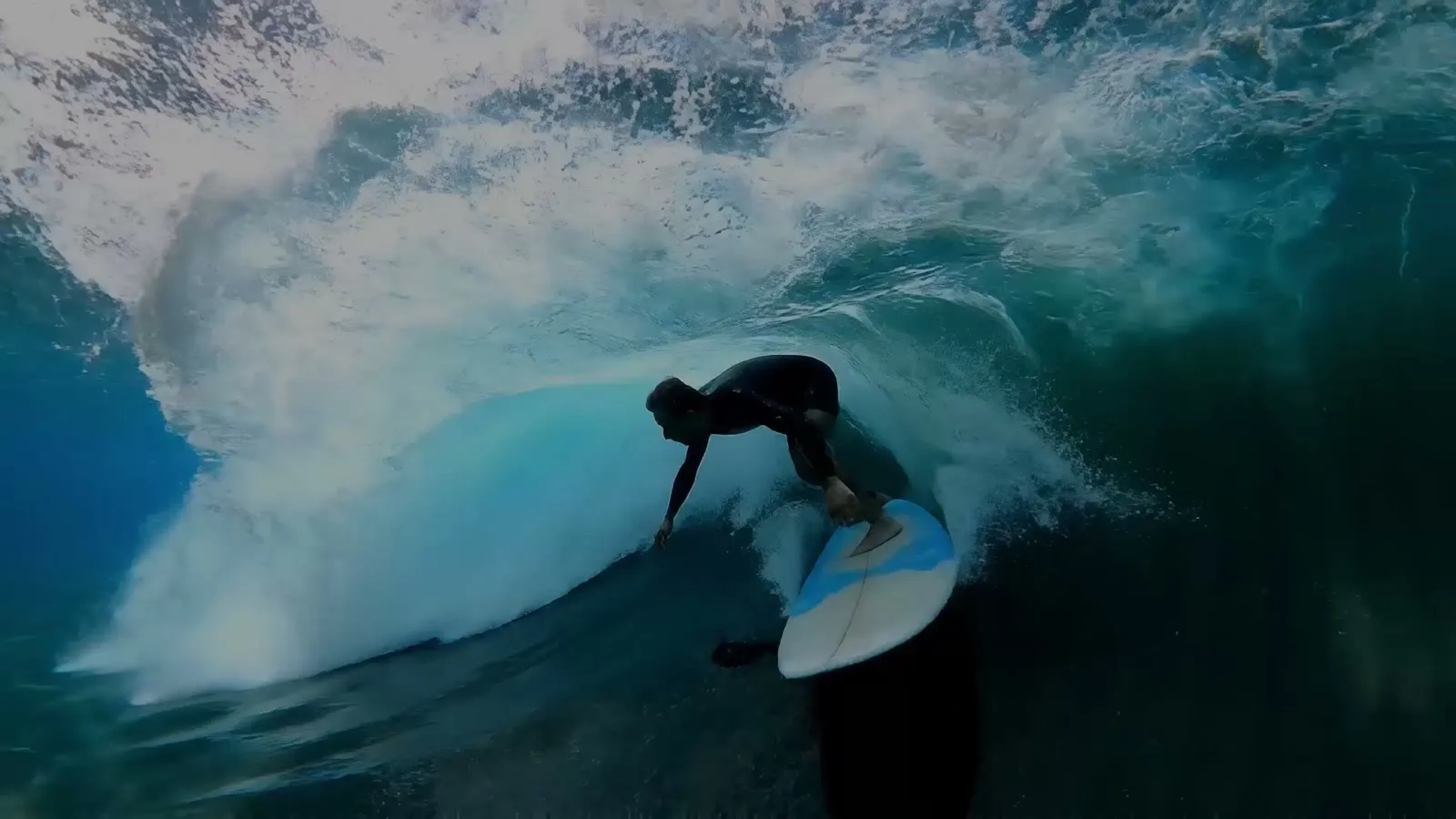 Example output from Kie's Veo 3.1 page.
Three price tiers in one model
The variant setting is the main reason to choose Veo 3.1. You can draft with Lite for 8 credits at 720p, then switch to Fast or Quality for the final cut. The jump is large. Quality at 1080p costs 64 credits, about seven times the 9 credits Lite costs at the same resolution. That spread lets you test many prompt ideas cheaply before you spend on the take you keep.
4K costs more on every variant. On AgentReel, Lite goes from 9 credits at 1080p to 38 at 4K, and Fast goes from 17 to 45. Kie's docs say 4K is an extra processing step that typically takes about 5 to 10 minutes, depending on load.
Start frames, end frames and reference images
AgentReel lets you attach 0 to 2 reference images to a Veo 3.1 job. In the Kie API, the model has three generation modes:
- Text-to-video uses the prompt only.
- First-and-last-frames mode builds a transition video from one or two images.
- Reference-to-video works from material images. Kie lists it for the Fast and Lite models only.
If your shot needs to start on one picture and end on another, two image slots cover that case.
Audio and vertical video
Kie's reference says all Veo 3.1 videos ship with background audio by default. It also notes that audio may be dropped in rare cases when a scene is judged sensitive, such as one with minors. Veo 3.1 supports native 9:16 output, so vertical clips for TikTok, Reels or Shorts do not need reframing. Kie also states that its flow accepts prompts in many languages without extra setup.
Gemini Omni Video
Kie describes Gemini Omni as Google's multimodal creation model, introduced around Google I/O 2026. In the Kie API it can take text, images, video and voice input to create or edit video. AgentReel offers text and image input, with resolution and duration settings.
 Example output from Kie's Gemini Omni page.
Up to seven reference images
This is the clearest gap between the two models on AgentReel. Gemini Omni Video accepts 0 to 7 reference images, while Veo 3.1 accepts 0 to 2. If you want to show the model a character, a product, a location and a style at the same time, Gemini Omni Video has room for all of them.
The Kie API uses a quota of 7 units per request:
- Each image uses 1 unit.
- A source video uses 2 units, and only one video is allowed.
- Each character ID uses 1 unit, with a maximum of three.
With no video or character IDs, all 7 units go to images. That matches the 7-image limit on AgentReel.
Long prompts and set clip lengths
AgentReel gives Gemini Omni Video a 20,000-character prompt limit, four times the 5,000 characters it allows for Veo 3.1. That room helps if you write detailed shot lists, scene notes or brand rules into one prompt.
You also pick the clip length: 4, 6, 8 or 10 seconds. Veo 3.1 has no duration setting on AgentReel. The price grows with length, from 16 credits for 4 seconds to 32 credits for 10 seconds at 1080p. Kie's model page notes one exception in the API: when you supply a video as input, the model decides the output length and the duration setting does not apply.
What the API can do that AgentReel does not show
The Kie API for Gemini Omni Video accepts more than images. A request can include one source video with start and end times, a list of character IDs, and audio IDs for a voice. Kie's model page also lists a seed setting. None of these appear in AgentReel's settings for this model, which are reference images, aspect ratio, resolution and duration. If your workflow depends on editing an existing clip or reusing a saved character, check the model page before you plan around it.
Price comparison
All prices are AgentReel credits per video, as of November 2, 2026. See pricing for current plans. Every tool shows the credit price before a job starts, and a failed job refunds its credits automatically.
| Resolution | Veo 3.1 Lite | Veo 3.1 Fast | Veo 3.1 Quality | Gemini Omni 4s | Gemini Omni 6s | Gemini Omni 8s | Gemini Omni 10s |
|---|---|---|---|---|---|---|---|
| 720p | 8 | 15 | 63 | 16 | 21 | 27 | 32 |
| 1080p | 9 | 17 | 64 | 16 | 21 | 27 | 32 |
| 4K | 38 | 45 | 93 | 37 | 42 | 48 | 53 |
What the numbers show:
- Gemini Omni Video costs the same at 720p and 1080p, so 1080p gives you more pixels for the same credits.
- Veo 3.1 Lite is the cheapest option at 720p and 1080p. At 4K, a 4-second Gemini Omni clip (37 credits) costs 1 credit less than Veo 3.1 Lite (38 credits).
- Veo 3.1 Fast at 1080p (17 credits) costs less than any 1080p Gemini Omni clip of 6 seconds or more.
- At 4K, Gemini Omni Video costs less than Veo 3.1 Quality at every length. A 10-second 4K Gemini Omni clip costs 53 credits, against 93 for Veo 3.1 Quality at 4K.
- Veo 3.1 Quality is the most expensive choice at every resolution.
To put this in plan terms, the Pro plan costs $49.99 a month for 1,000 credits. That covers about 111 Veo 3.1 Lite clips at 1080p, 58 Veo 3.1 Fast clips at 1080p, or 37 Gemini Omni Video clips of 8 seconds at 1080p. One-time packs start at $11.99 for 100 credits.
Which one should you choose?
- You draft many versions of an idea: Veo 3.1 Lite, at 8 or 9 credits per clip.
- You want a final clip from the top Veo tier: Veo 3.1 Quality, at 63 to 93 credits.
- You need several reference images in one shot: Gemini Omni Video, with up to 7 images.
- You write long, detailed prompts: Gemini Omni Video, with a 20,000-character limit.
- You need a set length, such as 10 seconds: Gemini Omni Video, with 4, 6, 8 and 10 second options.
- You want 4K for less than Veo 3.1 Quality: Gemini Omni Video at 4K costs 37 to 53 credits.
- You want a transition from a first frame to a last frame: Veo 3.1. Its API has a mode built for that, and AgentReel gives you two image slots.
Both models run inside the AI Video Generator, so you can test the same prompt on each one. The Veo 3.1 model page and the full models list show every setting and price. If you are still comparing Veo with other models, read Veo 3.1 vs Kling 3.0 Omni or our cinematic short film workflow.
FAQ
Can I use Veo 3.1 or Gemini Omni Video without buying credits?
No. Models other than Z-Image need a credit purchase, and both of these are video models. Plans start with Starter at 200 credits, and one-time packs start at 100 credits.
Which model is cheaper on AgentReel?
At 720p and 1080p, Veo 3.1 Lite is the cheapest, at 8 and 9 credits. Veo 3.1 Fast at 1080p costs 17 credits, less than any Gemini Omni Video clip of 6 seconds or longer. At 4K, Gemini Omni Video costs less than Veo 3.1 Quality at every length.
Can I upload a video to Gemini Omni Video on AgentReel?
The Kie API accepts one source video per request, and it counts as two of the seven input slots. AgentReel's settings for this model list reference images, aspect ratio, resolution and duration, not video input. Use reference images on AgentReel instead.
Does Veo 3.1 make sound?
Kie's API reference says all Veo 3.1 videos ship with background audio by default. It adds that audio may be suppressed in rare cases when a scene is judged sensitive.
Can I extend a Veo 3.1 clip?
The Kie API has a separate extend endpoint. It returns a new 720p clip that starts from the last frame of the source video, and Kie recommends English prompts for it. Extension is not one of the Veo 3.1 settings on AgentReel.
Do both models support vertical video?
Yes. On AgentReel, both offer 16:9 and 9:16. Kie's Veo 3.1 reference notes that 9:16 is native output. The Kie API also has an Auto aspect ratio that AgentReel does not list.
How we compared
We checked every source on November 2, 2026.
- Kie API reference: Generate Veo3.1 Video for variants, generation modes, aspect ratios, output resolutions and audio.
- Kie API reference: Extend Veo3.1 Video for the extension endpoint and its 720p output.
- Kie API reference: Get 4K Video for 4K processing time.
- Kie API reference: Get Veo3.1 Video Details for the task types the API supports.
- Kie API reference: Gemini Omni Video for the input quota, source video, character IDs and audio IDs.
- Kie model pages: Gemini Omni for the model description, input types, duration rule and resolution values, and Veo 3.1 for the example image.
- AgentReel: model settings for reference images, prompt limits, aspect ratios, variants, resolutions and durations, plus credit prices from pricing.