Short answer: Pick Veo 3.1 if you need 4K output, long prompts or the lowest price per clip. Pick Kling 3.0 if you need square 1:1 video, a set clip length from 3 to 15 seconds or the option to turn audio off. On AgentReel, as of 2026-10-25, a Veo 3.1 Fast clip at 1080p costs 17 credits. A 5-second Kling 3.0 clip at 1080p with audio costs 34 credits.
We used two kinds of sources for this comparison. The first is the Kie API reference for each model on docs.kie.ai, which shows what the model can do through the API. The second is the AgentReel model settings and credit table, which show what you can pick in the AgentReel prompt box. The two lists don't match, so we keep them apart below. We did not run benchmarks, and this post has no quality scores.
Veo 3.1 vs Kling 3.0 at a glance
| Veo 3.1 | Kling 3.0 | |
|---|---|---|
| Vendor | Kuaishou | |
| Aspect ratios on AgentReel | 16:9, 9:16 | 16:9, 9:16, 1:1 |
| Resolution on AgentReel | 720p, 1080p, 4K | 720p, 1080p |
| Variants or modes on AgentReel | Fast, Lite, Quality | 720p (standard), 1080p (pro) |
| Clip length choice on AgentReel | No length option | 3, 5, 8, 10 or 15 seconds |
| Audio on AgentReel | No audio switch | On or Off |
| Reference images on AgentReel | 0 to 2 | 0 to 2 |
| Prompt limit on AgentReel | 5,000 characters | 2,500 characters |
| Lowest price on AgentReel | 8 credits (Lite, 720p) | 11 credits (720p, 3s, audio off) |
| Extra API features (not on AgentReel) | Video extension, auto aspect ratio, watermark | Multi-shot, element references, 4K mode |
Veo 3.1
Veo 3.1 is Google's video model. On AgentReel you choose a variant (Fast, Lite or Quality), a resolution (720p, 1080p or 4K) and an aspect ratio (16:9 or 9:16). You can add up to two reference images and write a prompt of up to 5,000 characters.
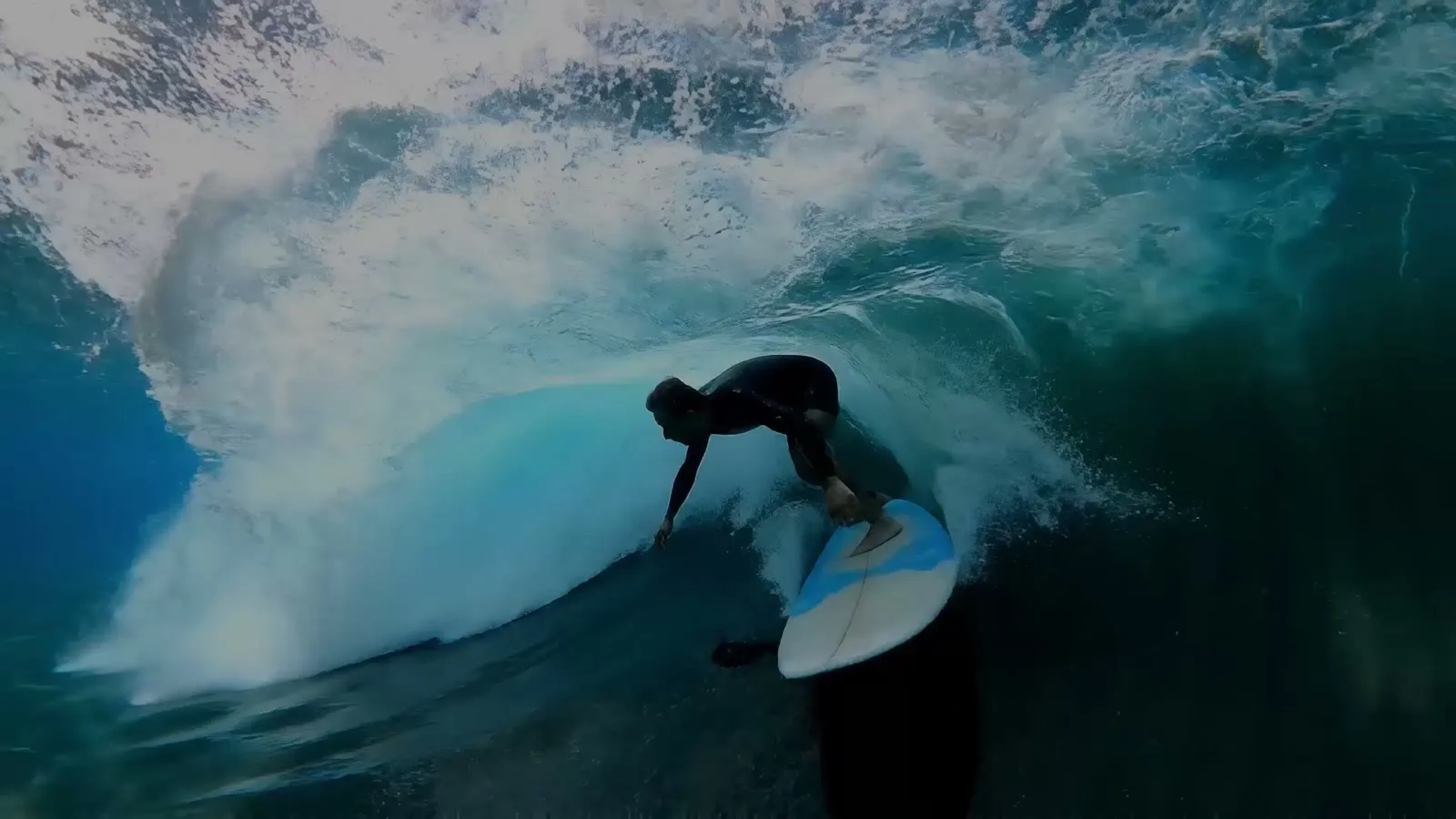 Example output from Kie's Veo 3.1 page.
Three price tiers in one model
The Kie docs describe three versions. Quality is the highest-fidelity version. Fast is the cost-efficient one. Lite costs the least and is meant for high-volume work. AgentReel offers all three. You can draft with Lite at 8 credits and move to Quality at 63 credits once a prompt works. If a job fails, its credits come back automatically.
4K and vertical video
Of these two models, only Veo 3.1 offers 4K on AgentReel. The Kie docs say both 16:9 and 9:16 support 1080p and 4K output. They also say the 9:16 output is native, so you don't need to reframe a wide clip for TikTok or Reels.
Images and audio built in
The Kie API lists three generation modes. You can go from text to video, from first and last frames to video (one or two images), or from material images to video. The docs say the material-image mode works only with the Fast and Lite models. They also say every video ships with background audio by default. AgentReel has no audio switch for Veo 3.1.
The Kie API also has some features that AgentReel doesn't show as settings: an auto aspect ratio mode, a watermark field, a prompt translation flag and a separate endpoint that extends an existing Veo 3.1 video.
Kling 3.0
Kling 3.0 comes from Kuaishou. On AgentReel you choose 720p or 1080p, a clip length of 3, 5, 8, 10 or 15 seconds, audio on or off, and an aspect ratio of 16:9, 9:16 or 1:1. You can add up to two reference images and write a prompt of up to 2,500 characters.
 Example output from Kie's Kling 3.0 page.
Control over clip length
Kling 3.0 lets you set the clip length. The Kie docs give a range of 3 to 15 seconds, and AgentReel offers five steps in that range. Longer clips cost more, so a short test clip is cheaper than a full one. A 3-second 720p clip with audio off costs 11 credits.
Square video and an audio switch
Of these two models, only Kling 3.0 offers a 1:1 aspect ratio on AgentReel. Square video fits feed posts and carousels. The audio switch also changes the price. Turning audio off lowers the cost of every clip. For example, a 5-second 720p clip drops from 25 to 18 credits.
Multi-shot and elements in the API
The Kie docs list some features that AgentReel doesn't offer as settings today. Multi-shot mode lets you write a separate prompt and length for each shot. Each shot runs 1 to 12 seconds and takes up to 500 characters. Element references let you name an image, video or audio element and call it in the prompt with an @ name. The API also lists a 4K mode next to standard and pro. AgentReel offers the standard and pro modes, shown as 720p and 1080p.
Price comparison
AgentReel shows the credit price of every job before it starts. These prices come from the AgentReel credit table as of 2026-10-25. See pricing for plans and credit packs.
| Setting | Credits |
|---|---|
| Veo 3.1 Lite, 720p / 1080p / 4K | 8 / 9 / 38 |
| Veo 3.1 Fast, 720p / 1080p / 4K | 15 / 17 / 45 |
| Veo 3.1 Quality, 720p / 1080p / 4K | 63 / 64 / 93 |
| Kling 3.0 720p, 5s, audio on / off | 25 / 18 |
| Kling 3.0 720p, 10s, audio on / off | 50 / 35 |
| Kling 3.0 720p, 15s, audio on / off | 75 / 53 |
| Kling 3.0 1080p, 5s, audio on / off | 34 / 23 |
| Kling 3.0 1080p, 10s, audio on / off | 68 / 45 |
| Kling 3.0 1080p, 15s, audio on / off | 102 / 68 |
For scale, the Starter plan gives you 200 credits for $15.99 a month. A one-time pack of 500 credits costs $29.99. A Starter month covers about 22 Veo 3.1 Lite clips at 1080p. It also covers 11 five-second Kling 3.0 clips at 720p with audio off.
Which one should you choose?
- You need 4K: Veo 3.1. Kling 3.0 tops out at 1080p on AgentReel.
- You post square video: Kling 3.0, the only one of the two with 1:1.
- You want to set the clip length: Kling 3.0, with 3 to 15 seconds.
- You want the lowest price per draft: Veo 3.1 Lite at 8 credits.
- You write long, detailed prompts: Veo 3.1, with 5,000 characters against 2,500.
- You want a silent clip for your own music or voice-over: Kling 3.0 with audio off.
- You want to start from your own images: either one. Both take up to two reference images on AgentReel.
If you're still looking at other models, read our Seedance 2.0 vs Kling 3.0 and Veo 3.1 vs Seedance 2.5 comparisons. To turn clips into a finished ad with script, voice-over and captions, try the AI video ad generator.
FAQ
Can I use Veo 3.1 or Kling 3.0 for free on AgentReel?
No. Models other than Z-Image need a credit purchase, and that includes both of these. Every job shows its credit price before it starts.
Which model is cheaper on AgentReel?
The lowest price overall is Veo 3.1 Lite at 720p for 8 credits. The lowest Kling 3.0 price is 11 credits for a 3-second 720p clip with audio off. At the top end, a 15-second 1080p Kling 3.0 clip with audio costs 102 credits, while Veo 3.1 Quality at 4K costs 93.
Does Veo 3.1 make audio?
The Kie docs say all Veo 3.1 videos ship with background audio by default. In rare cases the audio may be dropped when a scene is deemed sensitive. AgentReel has no audio switch for Veo 3.1.
Can I make multi-shot videos with Kling 3.0 on AgentReel?
The Kie API supports a multi-shot mode with a prompt and length for each shot. AgentReel doesn't offer multi-shot as a setting for Kling 3.0. On AgentReel you write one prompt and pick one clip length.
Which aspect ratios work for TikTok and Reels?
Both models offer 9:16 on AgentReel. Both also offer 16:9 for YouTube. Only Kling 3.0 offers 1:1.
What happens if a render fails?
A failed job refunds its credits automatically. You can then change the prompt or settings and run it again.
How we compared
We checked these sources on 2026-10-25:
- Kie API reference: Generate Veo3.1 Video for models, generation modes, aspect ratios, output resolution and audio.
- Kie API reference: Extend Veo3.1 Video for the video extension endpoint.
- Kie API reference: Kling 3.0 for modes, durations, aspect ratios, multi-shot and element references.
- Kie's Veo 3.1 page and Kie's Kling 3.0 page for the example images.
- AgentReel model settings and the AgentReel credit table, with plan prices from AgentReel pricing.
We did not run benchmarks or score output quality.