Short answer: Pick Veo 3.1 if you make 16:9 or 9:16 clips in volume, want a 4K option, or need a low-cost draft tier. Pick Seedance 2.5 if you need square, 4:3, 3:4 or 21:9 frames, a set clip length of 5, 10 or 15 seconds, or a very long prompt. On price, Veo 3.1 Fast at 1080p costs 17 AgentReel credits per video, while a 5-second Seedance 2.5 clip at 1080p costs 198 credits (AgentReel prices as of 2026-10-21, see pricing).
We read the Kie API reference for each model on docs.kie.ai and Kie's Seedance 2.5 model page. Then we compared those pages with the settings and credit prices AgentReel shows in its video generator. We did not run tests or benchmarks, and this post gives no quality scores. Where the Kie API offers more than AgentReel exposes, we say so. All AgentReel prices are from 2026-10-21.
Veo 3.1 vs Seedance 2.5 at a glance
| Veo 3.1 | Seedance 2.5 | |
|---|---|---|
| Vendor | ByteDance | |
| Variants on AgentReel | Fast, Lite, Quality | One |
| Resolutions on AgentReel | 720p, 1080p, 4K | 480p, 720p, 1080p |
| Aspect ratios on AgentReel | 16:9, 9:16 | 16:9, 9:16, 1:1, 4:3, 3:4, 21:9 |
| Duration setting on AgentReel | Not offered | 5s, 10s, 15s |
| Reference images on AgentReel | 0 to 2 | 0 to 2 |
| Prompt limit on AgentReel | 5,000 | 20,000 |
| Lowest AgentReel price | 8 credits (Lite, 720p) | 35 credits (480p, 5s) |
| Highest AgentReel price | 93 credits (Quality, 4K) | 593 credits (1080p, 15s) |
| Audio in the Kie API | Background audio by default | Optional audio |
Veo 3.1
Veo 3.1 is Google's video model. On AgentReel you can run it from text alone or add up to two reference images.
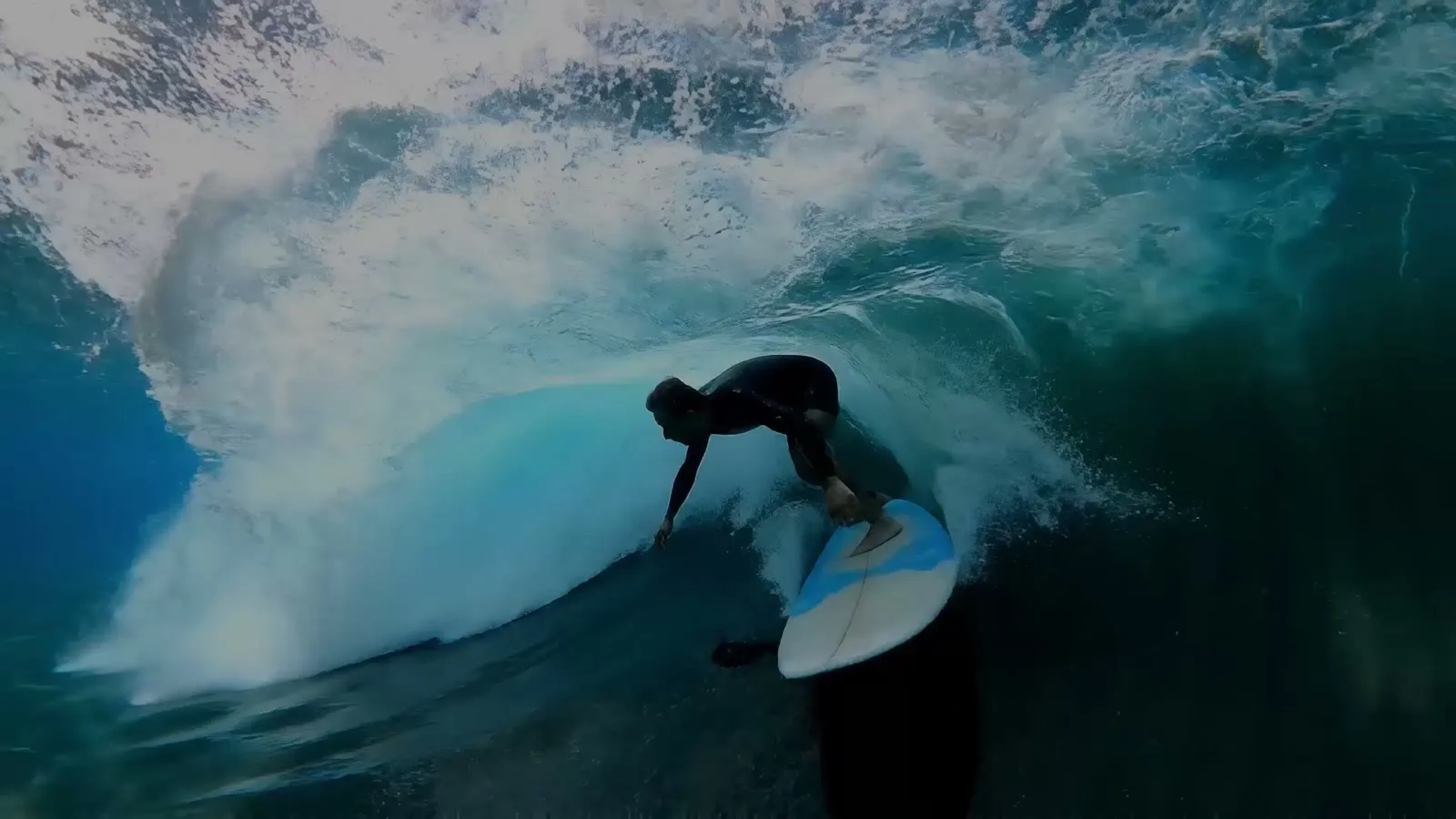 Example output from Kie's Veo 3.1 page.
Three tiers in one model
Veo 3.1 comes in three variants on AgentReel: Fast, Lite and Quality. Kie's API reference describes Quality as the flagship with the highest fidelity. It calls Fast a cost-efficient variant and Lite the lowest-cost option for high-volume work. On AgentReel, that spread shows up in the price. Lite at 720p costs 8 credits, while Quality at 720p costs 63.
4K for vertical and wide video
AgentReel offers Veo 3.1 at 720p, 1080p and 4K, in 16:9 and 9:16. The Kie docs say both aspect ratios support 1080P and 4K output, and that 9:16 is native, so vertical clips do not need re-framing. Seedance 2.5 tops out at 1080p on AgentReel, so Veo 3.1 is the only one of the two with a 4K setting.
What the Kie API adds
The Kie API reference lists three generation modes: text to video, first and last frames to video, and reference to video based on material images. The docs note that the reference mode works with the Fast and Lite models only. The API also has an auto aspect ratio, a watermark field, a prompt translation switch and an endpoint to extend a Veo 3.1 video. According to the docs, all Veo 3.1 videos ship with background audio by default. AgentReel exposes the variant, the resolution, two aspect ratios and up to two reference images. It does not list an extend option, a watermark field or an auto aspect ratio.
Seedance 2.5
Seedance 2.5 is ByteDance's video model. On AgentReel it has one variant, with resolution and duration as its settings.
More frame shapes
Seedance 2.5 offers six aspect ratios on AgentReel: 16:9, 9:16, 1:1, 4:3, 3:4 and 21:9. That covers square feed posts, 4:3 and 3:4 frames and wide 21:9 shots. Veo 3.1 on AgentReel offers only 16:9 and 9:16.
Set clip lengths and long prompts
You choose a duration of 5, 10 or 15 seconds on AgentReel. The price scales with it. A 720p clip costs 79 credits at 5 seconds, 158 at 10 seconds and 237 at 15 seconds. The prompt limit on AgentReel is 20,000, four times the 5,000 limit for Veo 3.1.
What the Kie API adds
Kie's API reference for Seedance 2.5 lists text to video and image to video with zero to two input images. It also lists camera movement with optional lens locking and optional audio generation. The docs describe three image or reference modes: first frame, first and last frames, and multimodal reference with images, videos and audio. These three modes cannot be used at the same time. Kie's model page adds fields for reference videos and audio, a last-frame return option and a 480p draft preview. It also says the model is built for videos up to 30 seconds. AgentReel exposes up to two reference images, three resolutions, six aspect ratios and durations up to 15 seconds. It does not list video or audio references, an audio switch or a draft mode.
Prices on AgentReel
AgentReel charges credits per render. Prices below are from 2026-10-21. See pricing for current plans.
| Model | Setting | Credits |
|---|---|---|
| Veo 3.1 Lite | 720p / 1080p / 4K | 8 / 9 / 38 |
| Veo 3.1 Fast | 720p / 1080p / 4K | 15 / 17 / 45 |
| Veo 3.1 Quality | 720p / 1080p / 4K | 63 / 64 / 93 |
| Seedance 2.5 | 480p, 5s / 10s / 15s | 35 / 70 / 105 |
| Seedance 2.5 | 720p, 5s / 10s / 15s | 79 / 158 / 237 |
| Seedance 2.5 | 1080p, 5s / 10s / 15s | 198 / 395 / 593 |
Veo 3.1 prices are per video, since AgentReel has no duration setting for it. Seedance 2.5 prices depend on clip length. At 1080p, Seedance 2.5 works out to about 40 credits per second of video.
Credits come from a plan or a one-time pack. The Pro plan costs $49.99 a month for 1,000 credits, or $39.16 a month billed yearly. A one-time pack of 100 credits costs $11.99. With 1,000 credits you could run 58 Veo 3.1 Fast videos at 1080p, or 5 Seedance 2.5 clips at 1080p and 5 seconds. Every tool shows its credit price before a job starts, and a failed job refunds its credits automatically.
Which one should you choose?
- High-volume vertical or wide clips: Veo 3.1 Lite or Fast. They cost 8 to 17 credits per video at 720p or 1080p.
- 4K output: Veo 3.1. It is the only one of the two with a 4K setting on AgentReel.
- Square, 4:3, 3:4 or 21:9 frames: Seedance 2.5. Veo 3.1 offers only 16:9 and 9:16.
- A fixed clip length: Seedance 2.5, with 5, 10 or 15 seconds.
- Long, detailed prompts: Seedance 2.5, with a 20,000 prompt limit against 5,000.
- Cheap tests of a Seedance idea: Seedance 2.5 at 480p and 5 seconds for 35 credits.
If you are weighing the older ByteDance model, read Veo 3.1 vs Seedance 2.0. For another ByteDance matchup, see Seedance 2.0 vs Kling 3.0. To turn clips into a finished ad with script, voice-over and captions, use the AI video ad generator.
FAQ
Which model is cheaper on AgentReel?
Veo 3.1 is cheaper per render. Its lowest price is 8 credits for Lite at 720p, while Seedance 2.5 starts at 35 credits for 480p and 5 seconds. Prices are from 2026-10-21 on the pricing page.
Can both models make vertical video?
Yes. Both offer 9:16 on AgentReel. Kie's docs say Veo 3.1 outputs native 9:16 in 1080P and 4K.
Can I use reference images?
Yes. Both models accept zero to two reference images on AgentReel. The Kie API for Seedance 2.5 also accepts reference videos and audio, but AgentReel does not expose those.
Does AgentReel expose every Kie API feature?
No. AgentReel shows a set of options for each model, such as variant and resolution for Veo 3.1, and resolution and duration for Seedance 2.5. API features like Veo 3.1 video extension and Seedance 2.5 draft previews are not listed on AgentReel.
Can I try these models without paying?
Models other than Z-Image need a credit purchase. The smallest one-time pack is 100 credits for $11.99.
What happens if a render fails?
A failed job refunds its credits automatically. Every tool also shows its credit price before a job starts.
How we compared
We read these sources on 2026-10-21:
- Kie API reference: Generate Veo3.1 Video for variants, generation modes, aspect ratios, output quality and audio.
- Kie API reference: Get 1080P Video and Get 4K Video for the Veo 3.1 high-resolution endpoints.
- Kie API reference: Bytedance Seedance 2.5 for modes, input images, camera and audio options.
- Kie's Seedance 2.5 model page for input fields, the draft preview and the 30-second length.
- Kie's Veo 3.1 page for the example image.
- AgentReel's video generator and pricing page for the options, limits and credit prices each model has on AgentReel.